Spencer
Good progress this week, but before I get into it I should probably talk a bit about scheduling of big updates. I have mentioned vague dates we want to release by in the past, we were originally aiming to push out the full ItemV2 in December. As we still have a truckload of stuff to do, so December isn’t going to happen 🙁
What I will commit to is ItemV2 deathmatch before the end of December, it’s starting to feel really nice, and once I add in the last few features to weapons we will throw out a build and constantly iterate over it. We will be posting out polls to get some feedback from you guys on what you like and what you don’t.
The full ItemV2 still requires a lot of work, as we have massive plans for it. Its really going to be closer to a sequel than a content update, and we don’t want to cut our scope short after pushing through the hard parts. Another factor here is we know how much everyone loves to hit the ground running when a big update drops, discovering stuff first, bringing back the competetive spirit. With that in mind, we don’t want all our new systems to fall over under the stress of an influx of players old and new. Thats why we will be releasing smaller chunks to battle test them before bringing it all together and really pushing the marketing side to let everyone know, we’re ready for them.
We’ve been quiet while developing ItemV2, and you might have noticed we haven’t gone on sale for a while. We think now isn’t the best time to pickup Hurtworld. We have so much awesome stuff almost finished, we want to stay under the radar until ItemV2 is ready to go, at which point we will be going full ham on the hype train. We expect this to bring in more players than we have had before and we will be much better equipped to deliver frequent content to keep everyone focused unlike our EA release.
We appreciate you guys sticking with us while we get our shit sorted. And those who haven’t, we love you anyways 😉
Week Progress
Now onto this weeks progress. I started with working on the damage feedback layer. Firstly by re-implementing the directional hit indicator, then enabling the outer screen non directional indicator for directional damage also. Lastly I added in the new camera spring force procedural animation which depends on direction you were hit from to give more instantaneous info when hit. Not only will it grab your attention, but also tell you the direction the hit came from. Damage in the below video is being caused by a Testing Creature i created to spam me with damage. The impact force will also scale with the amount of damage that the source did to you. The below shows damage of 1/3 your HP bar indicating a large hit.

Next up I started integrating the grey box weapons Mils has been working on. The idea behind the grey boxing is to test the overall feel of the gun shapes and sightes without going into high detail on the models, so we can rapidly iterate over them. While doing this, I implemented the bolt action properly inside the ItemV2 framework. The state machine layer allowed me to do some stuff I’ve wanted to fix for ages. I’ve decoupled the bolt pull from the fire animation, meaning the gun keeps track of a bullet in the chamber. If you sprint right after firing, you will still need to load another bullet once you stop sprinting. It also didn’t make sense that you would bother doing a bolt reload before a clip reload, as there is nothing left in the clip. The player will automatically go into the reload animation without a bolt reload once the clip is empty making it feel a lot less clunky.
Next I built a method for guns to adjust their FPS viewmodel depending on the sight position without requiring us to build new animations. This allows us to generate a weapon of any configuration, and simple push around the fps viewmodel proceduralally so the sights always line up. Part of this phase is to get a feel for what is good in terms of sights for different weapon types. We deliberately made the stock sights for some of the weapons suck, so there is more insensitive to upgrade them later on.
Here is a few in action:
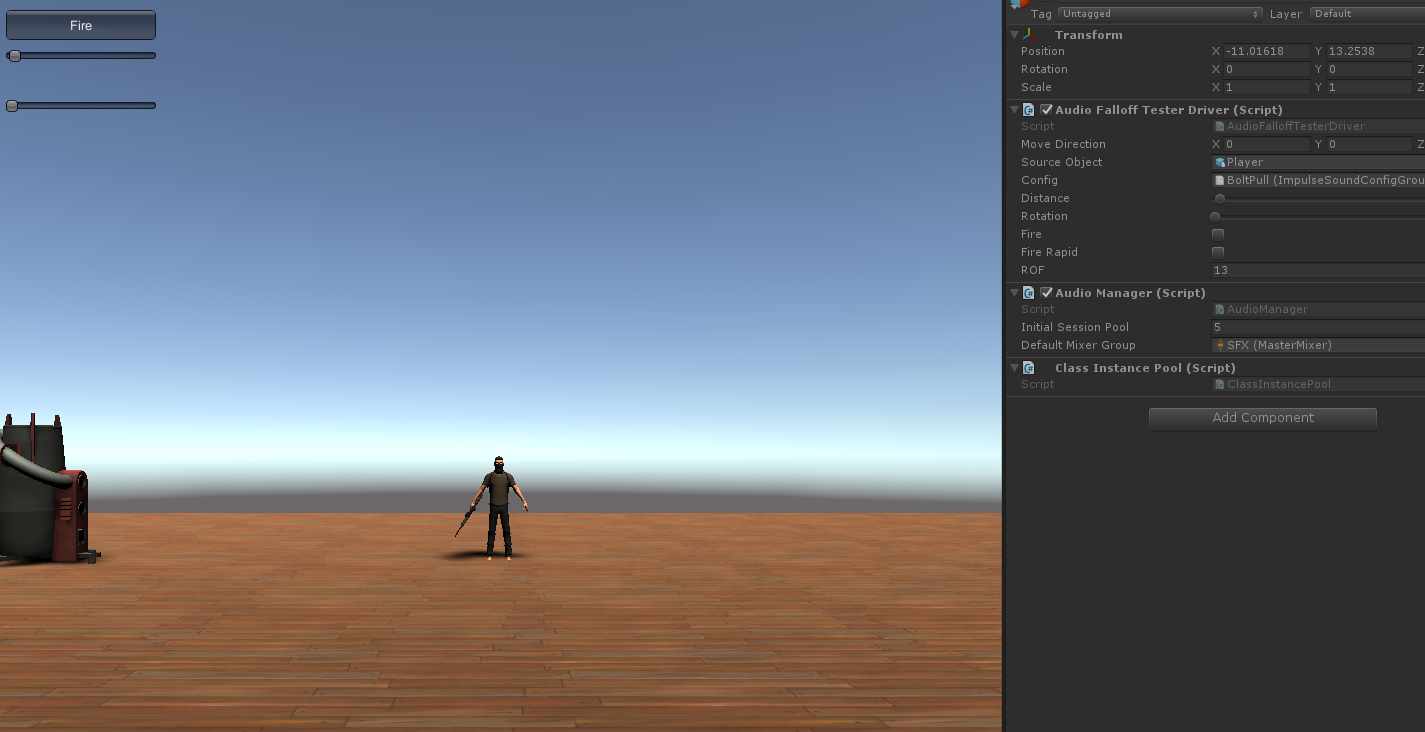
Lastly I spent a bit more time on the new audio layer and implemented a way to trigger audio for player animations like equipment and footsteps that doesn’t rely on horrible Unity animation events. We are now using StateMachineBehaviors, which seem to fit the task perfectly, and allow us to do more inteligent things like stop a long running sound if an animation is stopped half way through. To finish up I built a audio test bed for authoring sound effects that will ship with our SharedSDK, making it much easier to create good falloff curves and ensure sounds aren’t audible over dumb ranges. The weapons are the first things using this system, and Its an absolute dream to work with compared to the Unity AudioSource + Clip system. Something simple like a gunshot being audible over 200m, but the bolt reload only being audible over 20m requires no work at all. And doing things like playing different clips when the sound is further from the Camera can be done purely in configuration without the equip layer knowing about it. Expect our audio stuff to get a hell of a lot better.
Mils
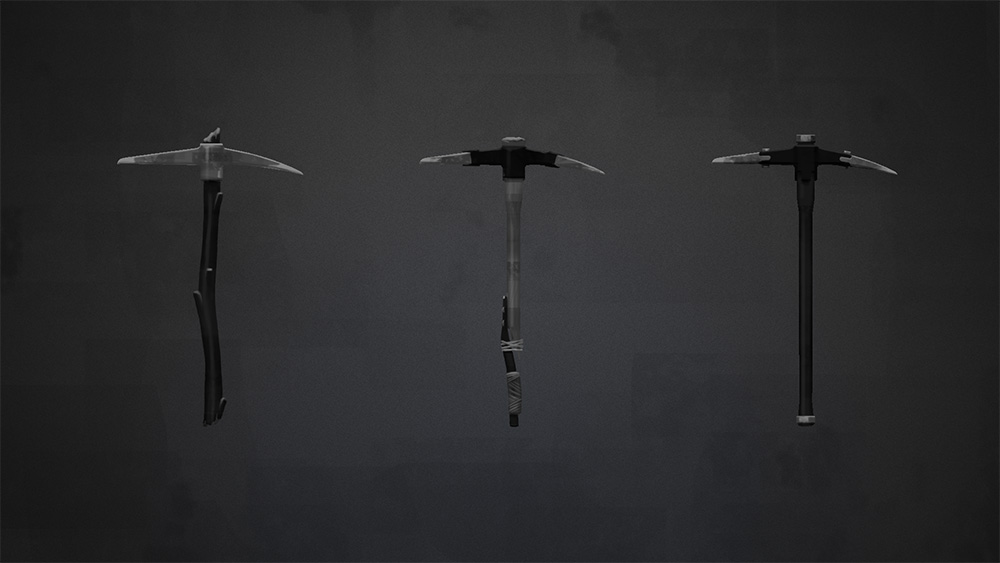
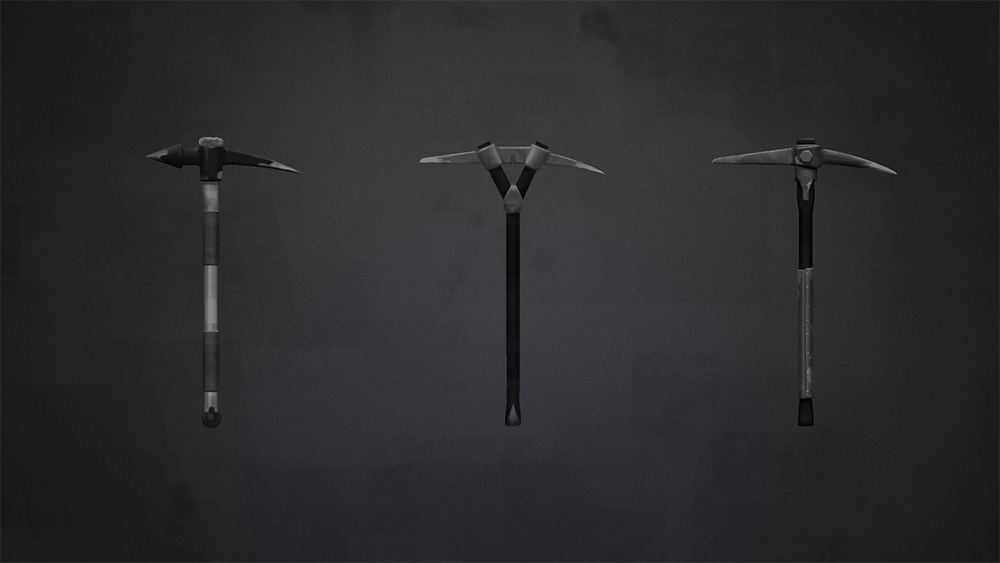
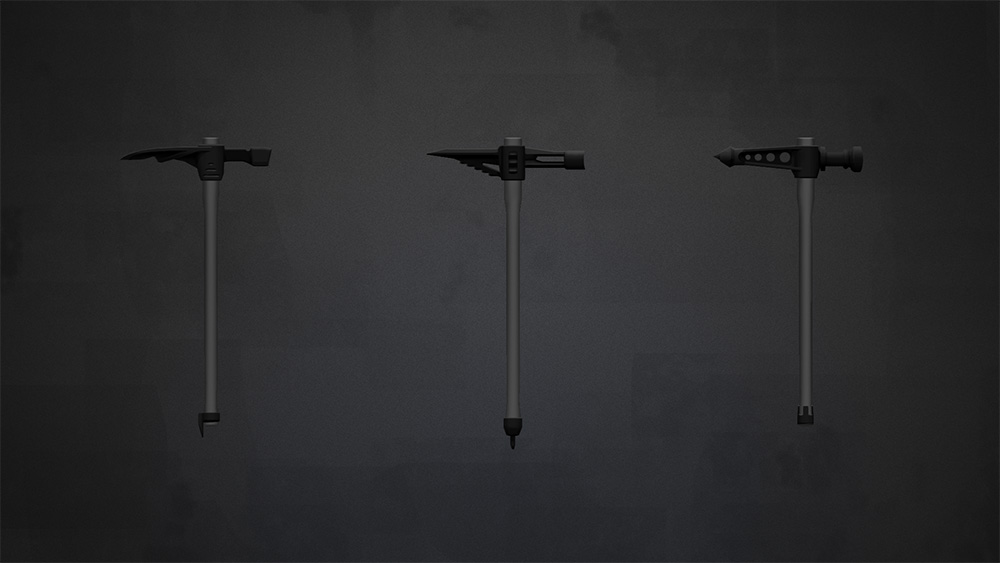
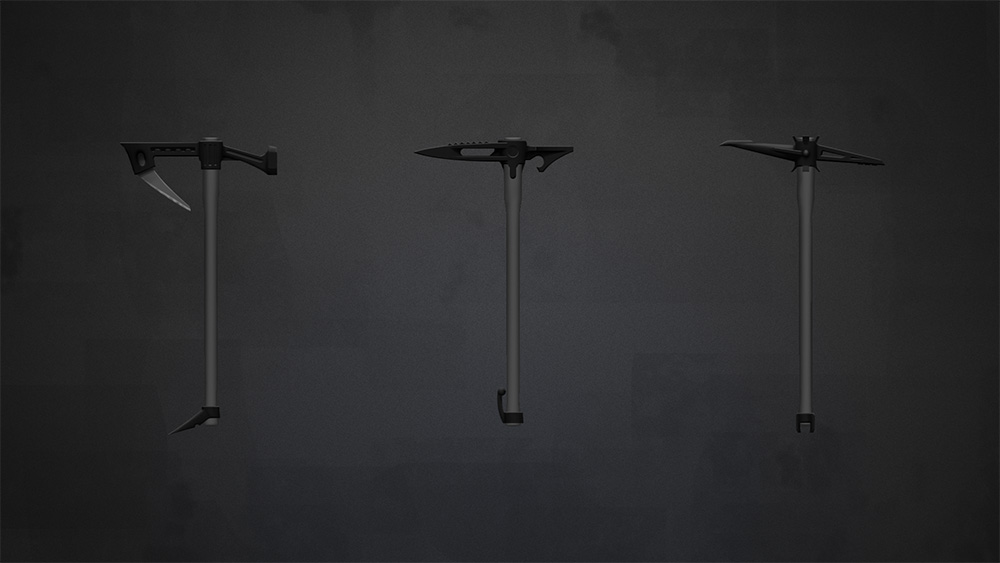
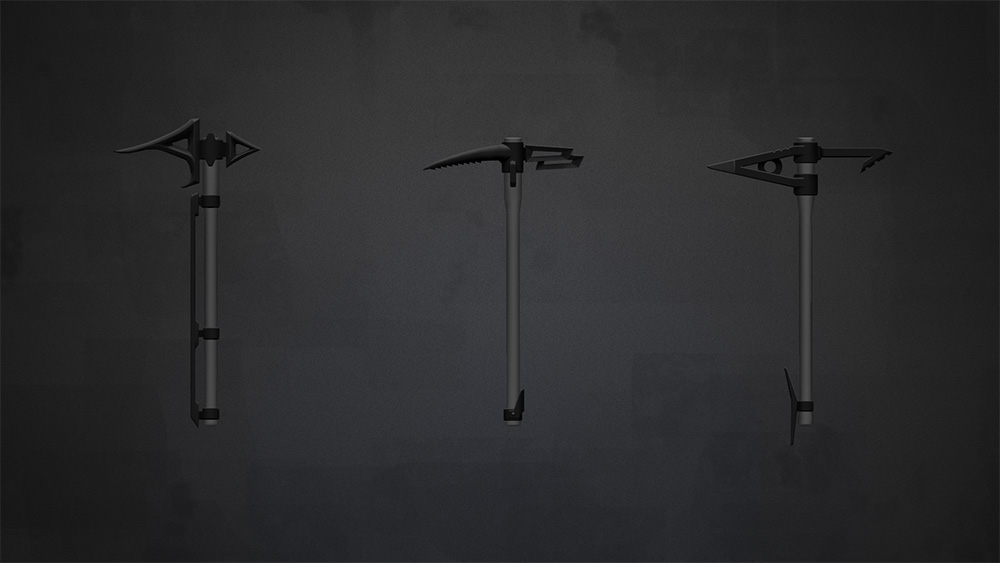
Between greyboxing the new weapons and getting used to the process of adding Static Meshes into the project I had a crack at some concepts for the Pickaxe.
I started out with a few different variations to get a feel for what we wanted. After that we narrowed down the way the parts would work together so that the thing could actually be built. In the end it’s like the gun component system with fewer parts.
Hey folks. I started off this week with some heavy modifications to the macro map generation, as we weren’t happy with the shapes it was creating. Previously we were generating areas “hill-in”, where we laid out lines where the hills would be generated and the valleys ended up being the negative space between these lines. However we found this led to some undesirable things like very long valleys, or large areas without any significant valleys. So the shift in logic was moving to a “valley-in” generation logic, where we allocate space for the central valley areas and then fill in the hills and mountains around them. This worked pretty well and the maps feel much better laid out now.
We’ve been iterating over some other biomes, mainly the forest area. This has been interesting figuring out what makes that biome feel different, and we’re trying to open up the area, play with the noise a bit, and get it feeling both unique and interesting.
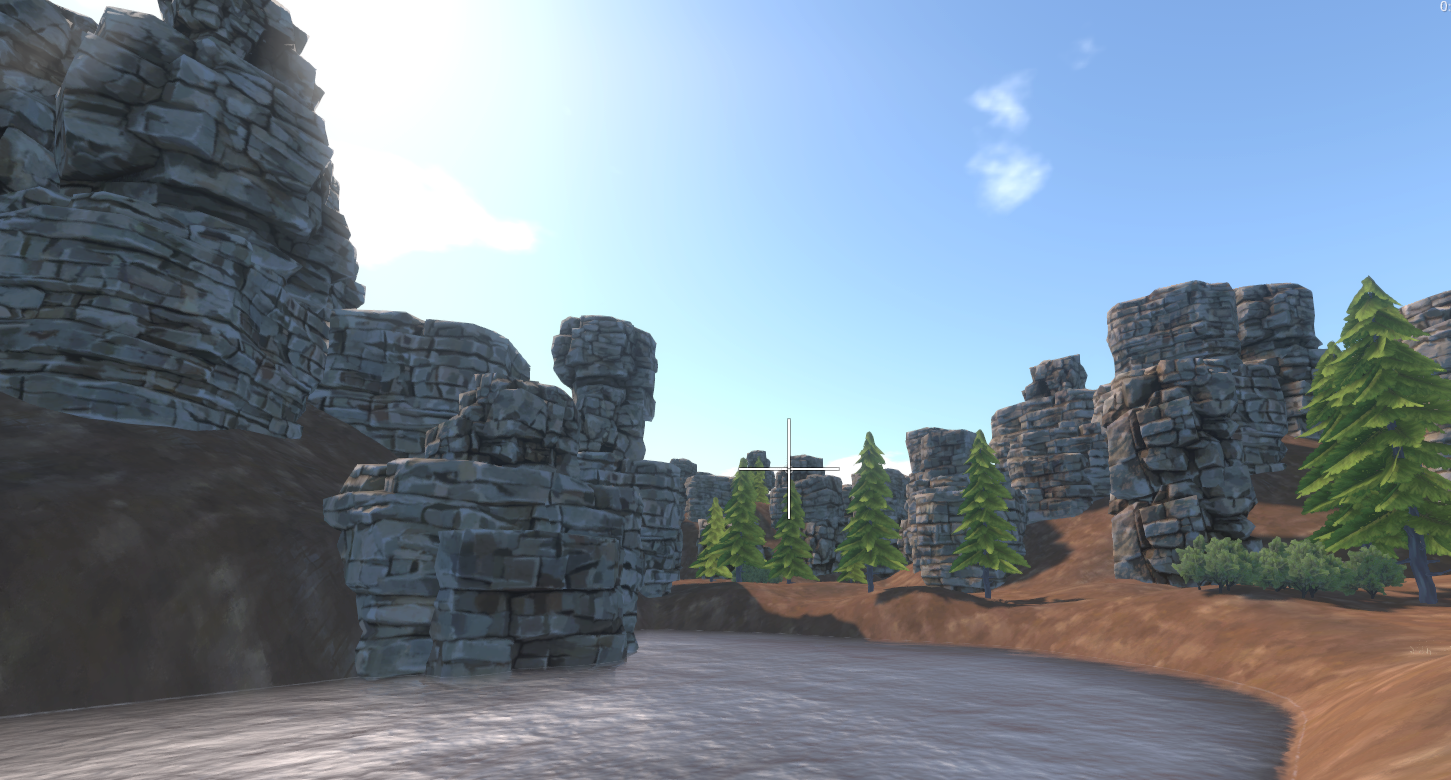
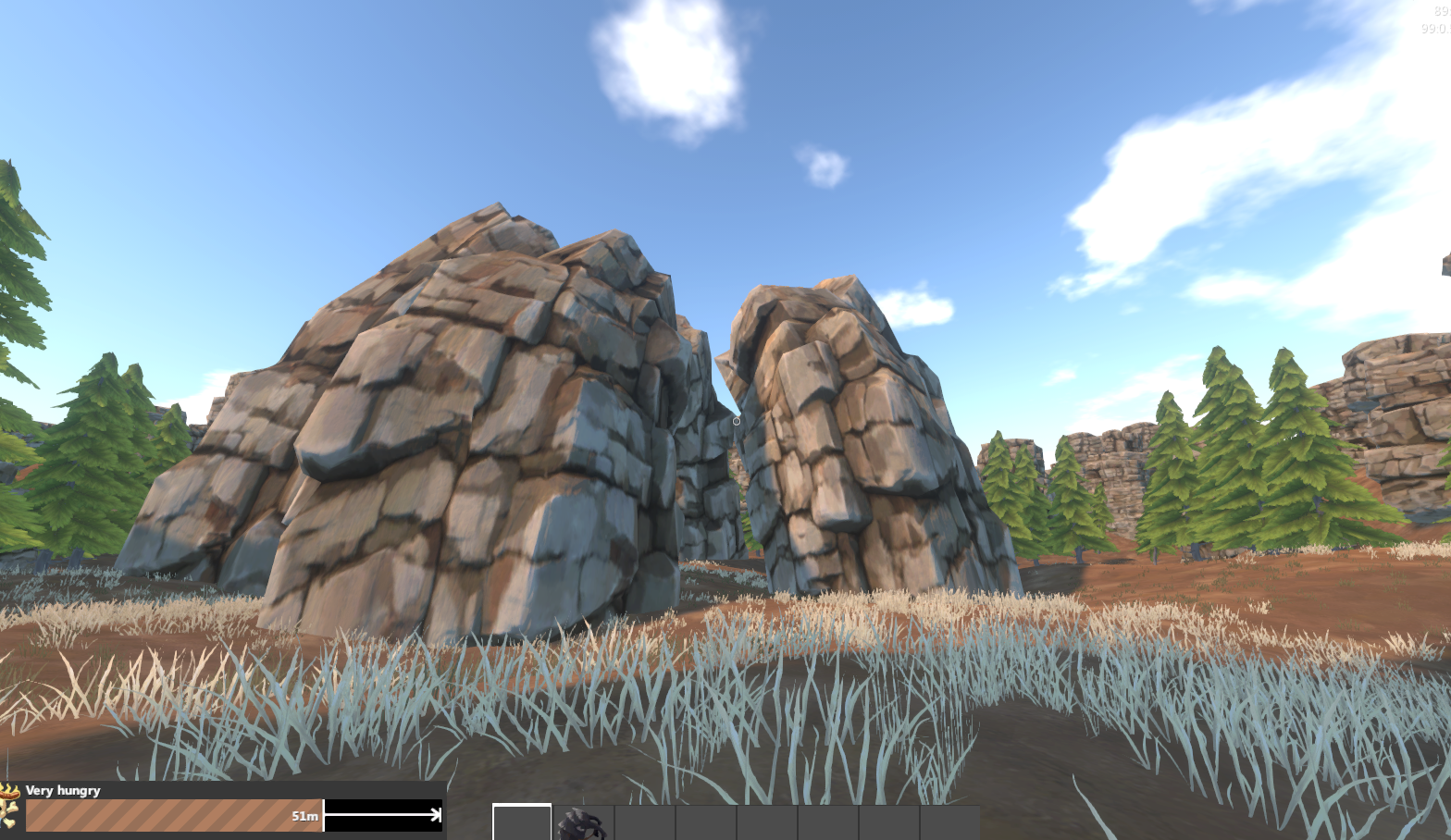
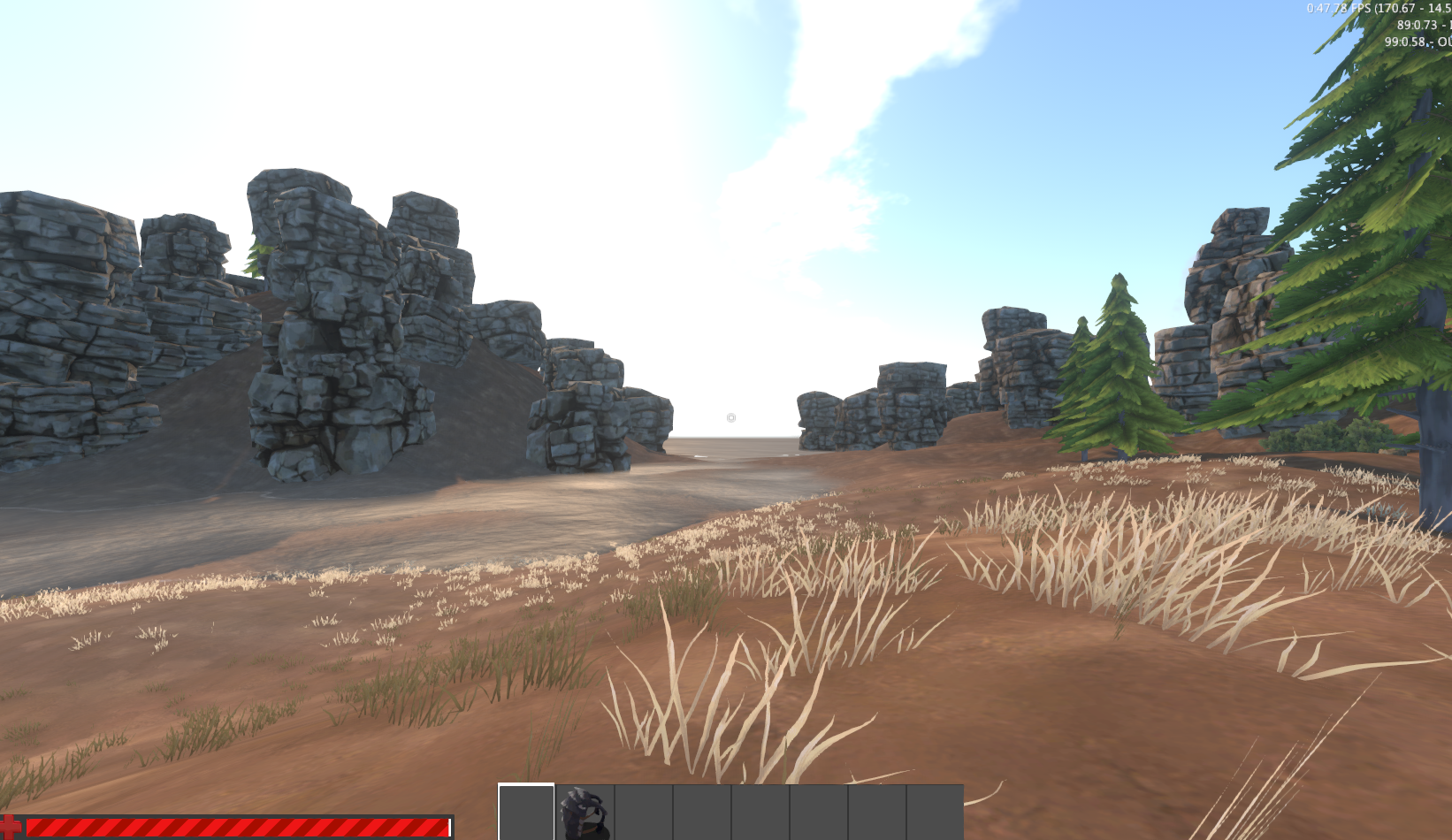
I also made a cool gif of the map generation process so that you can get an idea of what we’re actually doing here under the hood.
Map: [gfycat data_id="SpottedColossalAztecant"]
I also have been changing the way the road system works after some feedback, so it is now a destructive process overlaid over the generated terrain. As well as this separation from Map Magic, it’s now asynchronous! Which means it won’t freeze Unity for a few seconds every time you want to rebake. This was a fun challenge and I’m pretty happy with how it turned out. One of the bigger things was that it’s tricky handling the data when it lives in the Terrain object, as it’s a C++ object that you can only pass information to, not hold a .Net reference to. The solution to this was to create a simple wrapper for the Terrain object that lives entirely in C# land, which we can do things like keep references to and treat as a cardinal dataset. The road tool just keeps getting more awesome!
Roads: [gfycat data_id="ImaginarySharpCockatiel"]
Tom
Last week after finishing up on 0.3.8.1 I’ve moved back onto ItemV2 and getting vehicles working under the new item system.
This has involved writing lots of new item components and adapting the mesh baking system to accommodate vehicles.
I’ve added a way to override bones when passing meshes into the mesh baking system, this allows 1 mesh to be used for all wheels easily and will allow us to do other cool stuff like attaching guns and tools to the player if they aren’t selected but are equipped in the hotbar so you can see what setup people are using.
I also developed some item components that change what they attach depending on the slot they are equipped to, this is used to handle things like vehicle doors (1 item but different attachments for left and right door) and the kanga wheels which use a different model for the same wheel depending on front or rear slot.
We’re now at a point where vehicles are equivalent to live with all the vehicle items reimplemented which is going to help us a lot for nailing down the feel of the new map generation tech Cow_Trix has been working on.
This week I’ll be going through reimplementing the rest of our items from live starting with the construction hammer.
Gavku
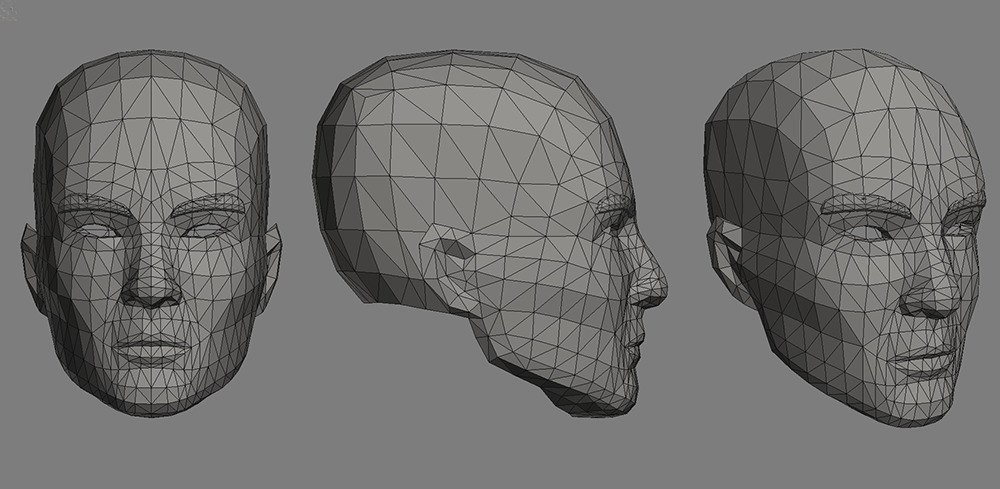
So I am going through and still working on testing out new models for different player characters. We’re hoping to have a decent selection by the end resulting in a variety of player types rather than the same old guy running around. Included in this I will be having a crack at a female character and seeing what we can get away with in regards to workload vs a decent result.

x